If you work from home in Highland Lakes and you’re getting ready to move, your “office” probably isn’t just a corner of the living room anymore. It’s your income, your focus, your routines, and about 47 mysterious cables you’re secretly afraid to unplug.
I’ve helped a lot of folks relocate home offices around Highland Lakes and nearby spots like Aventura and Hallandale Beach. The pattern is always the same: people handle the kitchen and closets pretty calmly… but when we get to the home office, the stress level jumps.
Let me walk you through how I’d personally plan and move a home office in Highland Lakes, step by step, so you can keep working with as little downtime (and panic) as possible.
Moving your home office is not the same as just tossing an extra bedroom into the “to pack” list. You probably can’t afford long downtime, you might have expensive gear or sensitive data, and your setup is specifically tuned to you.
The goal isn’t just “get everything from Point A to Point B.” The real goal is:
“I can comfortably work again within 24–48 hours, without feeling like my brain got scrambled in the process.”
That’s how I approach home office relocations with United Prime Van Lines around Highland Lakes and neighboring areas like Hallandale Beach and Aventura. Gear is important, but your workflow is what we’re really protecting.
Before you touch a single cable, look at your calendar. Ask yourself what’s the last full workday you can comfortably do at your current place, and if you have must-attend meetings right before or after your move date.
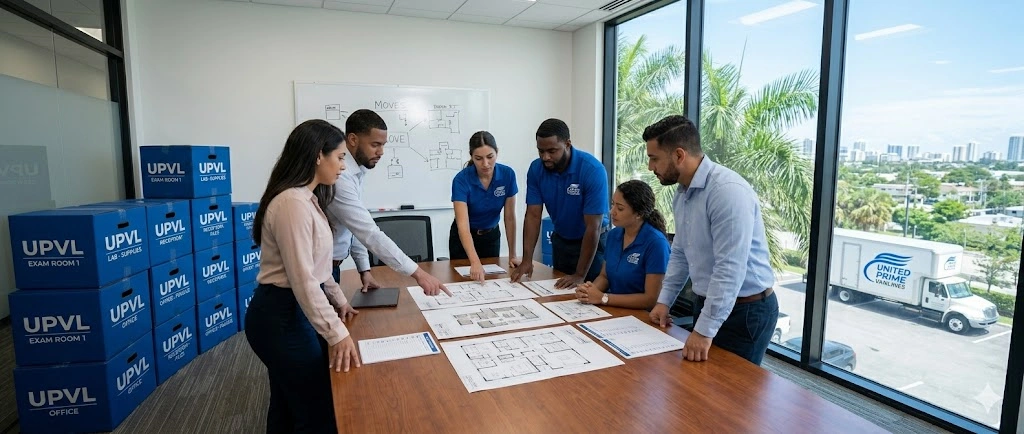
Here’s the rhythm I usually recommend to clients in Highland Lakes:
If you’re booking us at United Prime Van Lines, I like to schedule the main office pack-up either late afternoon on your last workday or first thing the next morning so we’re not ripping your workstation apart in the middle of your workday.
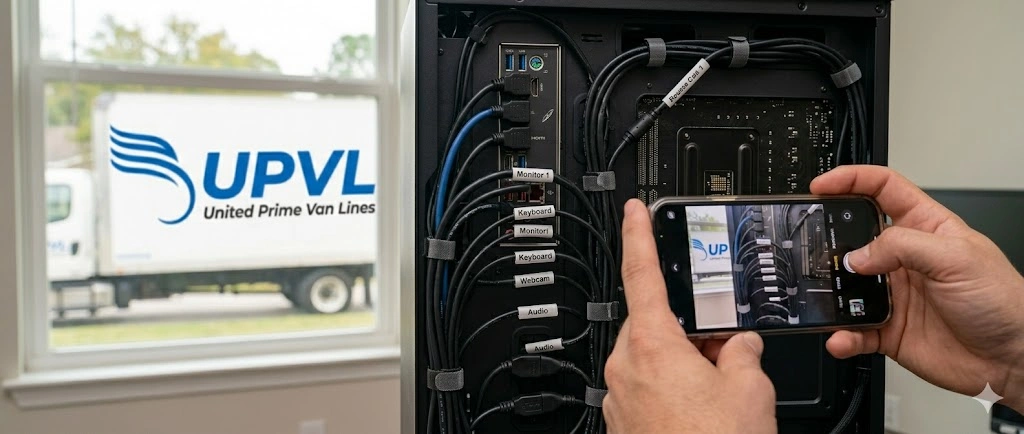
Nobody thinks they’ll forget which cable goes where… until they’re standing in their new home surrounded by identical black cords.
Before disconnecting anything, take wide photos of your whole desk, the back of your PC, and your audio/camera gear. Take close-up shots of monitor connections, power strips, and complex setups like mixers or network switches. Finally, make a quick note on your phone (e.g., “Left monitor = HDMI 1, Right monitor = DisplayPort”).
When we handle packing through our full-service packing, we take our own photos for reference, but I always tell clients to do theirs anyway. It gives you control and peace of mind.
Highland Lakes homes aren’t exactly sprawling mansions for most people, so bringing less clutter into your new office matters.
Before you pack, toss or recycle old chargers, dead cables, and broken plastic organizers. Securely shred outdated client documents or old bank statements. Digitize reference materials and manuals you can find online.
One big perk of hiring a mover like us: we bring file boxes with lids and labels, so your important documents don’t end up in a random kitchen box marked “Misc.”
You probably need to plug in and start working within a day or two. Think: “What if TSA agents threw this box a few feet… would I be okay?”
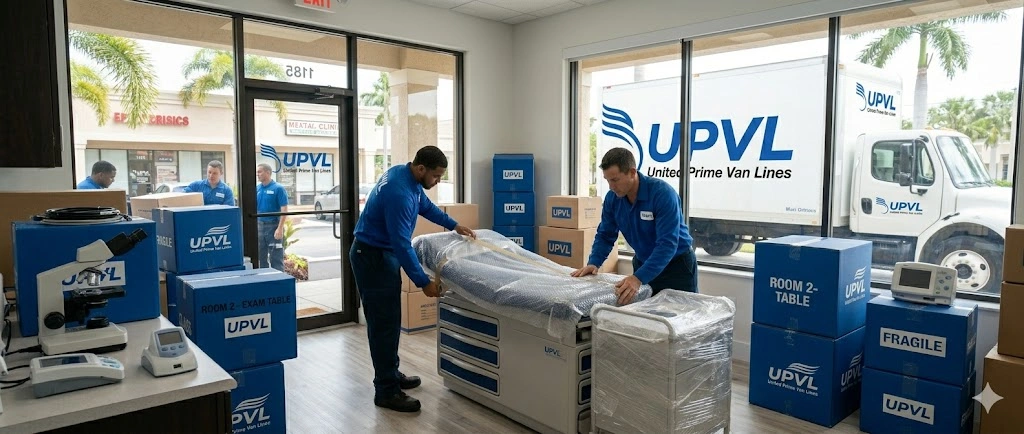
When you book us for a local move in the Hallandale Beach / Highland Lakes area, I like to clearly label these categories on our boxes so the crew knows what to bring off the truck first.
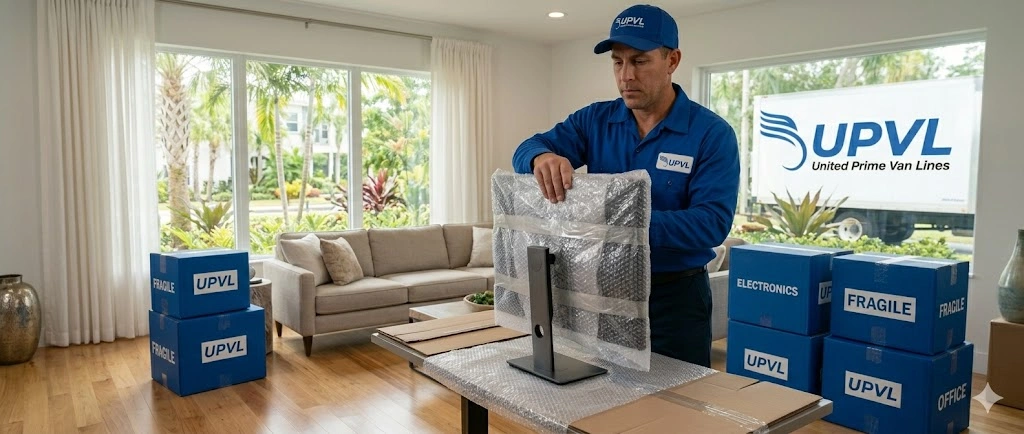
Wrap monitors in anti-scratch protective material, place them upright, and fill gaps with soft items. Handle desktop towers like fragile items, keeping them upright and filling open space inside the box. Wrap mics, lenses, and cameras individually, and pack small accessories in labeled zip bags. Take critical drives with you personally.
Cables thrown in a box equal a full afternoon of untangling and guessing.
Use painter’s tape or small cable labels and write something clear on both ends (“Left Monitor – HDMI”). Bundle them by device into a zip bag or small pouch (“Dock + All Cables”). Create a separate “Network” bag for your router, modem, ethernet cables, and power bricks, and label it “Wi-Fi/Network – OPEN FIRST.”
If we’re handling your packing, we will absolutely do this labeling and bagging for you. If you prefer control, we can pack around what you’ve already labeled.
The fastest way to destroy a move-day mood is to realize: “The Wi-Fi won’t be on for three days.”
Sort this out at least a week before your move. Call your provider to schedule the transfer date and confirm if you’re bringing your own modem. If there’s any chance of delay, have a hotspot ready and download key files locally.
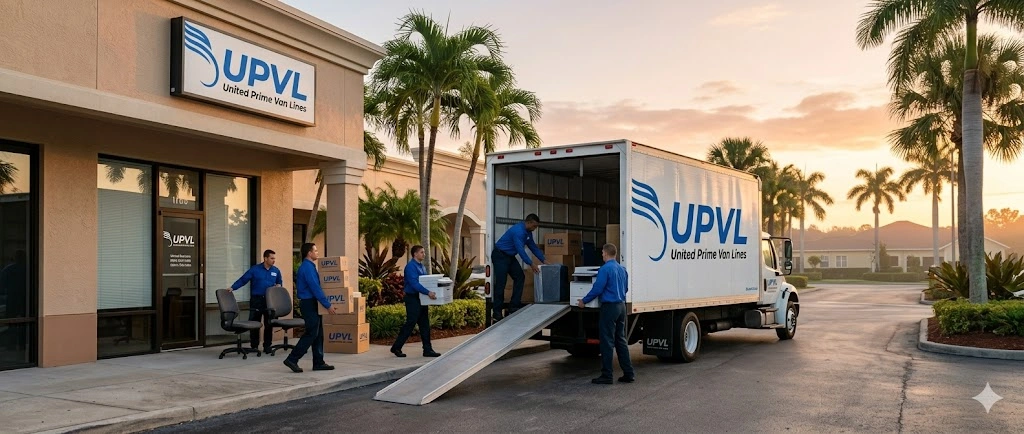
We often put the network box right at the front of the truck so we can unload it in the first wave. While the movers are handling the rest, you can set up the router and run a speed test.
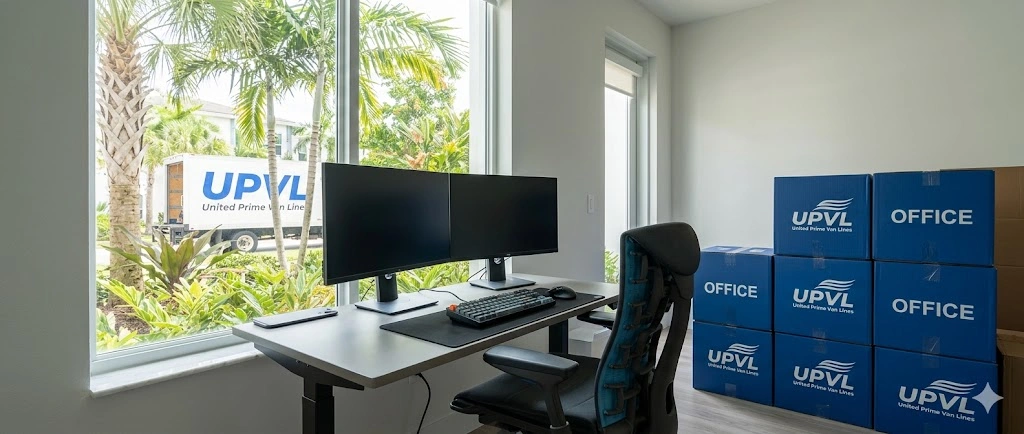
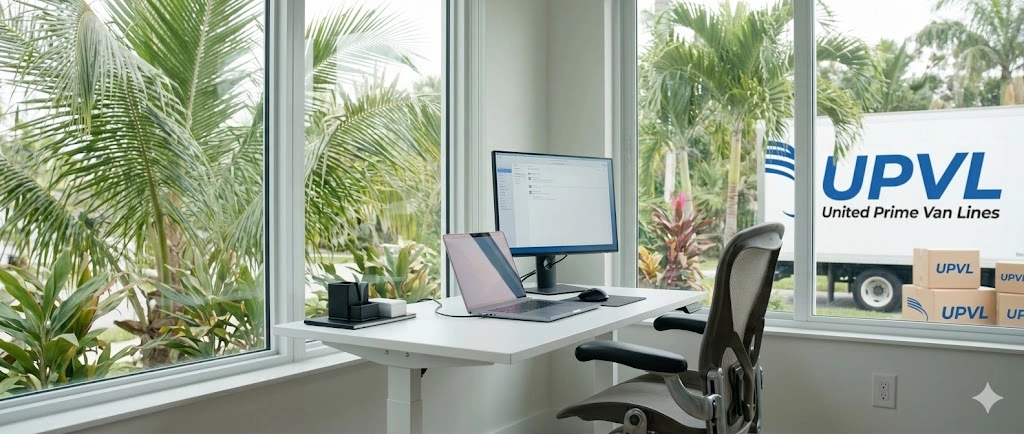
Your home office isn’t just where you type; it’s also how you appear to clients on Zoom. As you walk through your new Highland Lakes place, consider natural light (side lighting or a window in front of you is usually best), the noise situation (busy streets, AC vents), and what’s behind you on camera.
When we arrive with your load, you can walk me or our team leader through where you’re planning to put your desk and gear. We can help you try a couple of layouts before we reassemble anything heavy.
Not everyone wants movers touching their tech. The key is to decide early.
Option A: “You handle the furniture and boxes; I’ll handle the tech.” We disassemble and move the desk, office chairs, bookcases, and labeled office boxes. You disconnect and pack all electronics, keep the box of cables with you, and reconnect everything at the new home.
Option B: “Please handle everything. I just want to sit down and work again.” We carefully disconnect your gear using photos as a guide, label cables, pack electronics in padded boxes, break down desks, transport everything, and reassemble furniture in your new home.
No pressure either way. But tell your crew upfront what level of help you’re comfortable with.
Home office furniture looks innocent enough until you’re halfway down a narrow Highland Lakes townhouse staircase with a solid wood desk.
Don’t overpack boxes of books or paper. Lift with your legs. If you’re DIY’ing parts of your move, use proper tools like dollies and shoulder straps. Honestly, this is where it usually makes sense to bring pros in—even if we’re only handling your big items. Your body is not worth saving a few bucks on moving day.
To get your office functional fast, follow this order:
If your home office looks like multiple screens, a serious chair, a heavy desk, shelves, backup drives, and stacks of documents, bringing in a professional team is often the most cost-effective option once you factor in lost work time, potential damage, physical strain, and stress.
With United Prime Van Lines, we handle local moving & transport, full-service packing for your office, and furniture disassembly & reassembly. You handle the decisions and the work priorities. We handle the weight, the logistics, and the careful packing.
If you’d like help planning it out, I’m happy to walk through what your office looks like now and what you want it to look like after the move—and then build the move plan around that, not just around truck space.