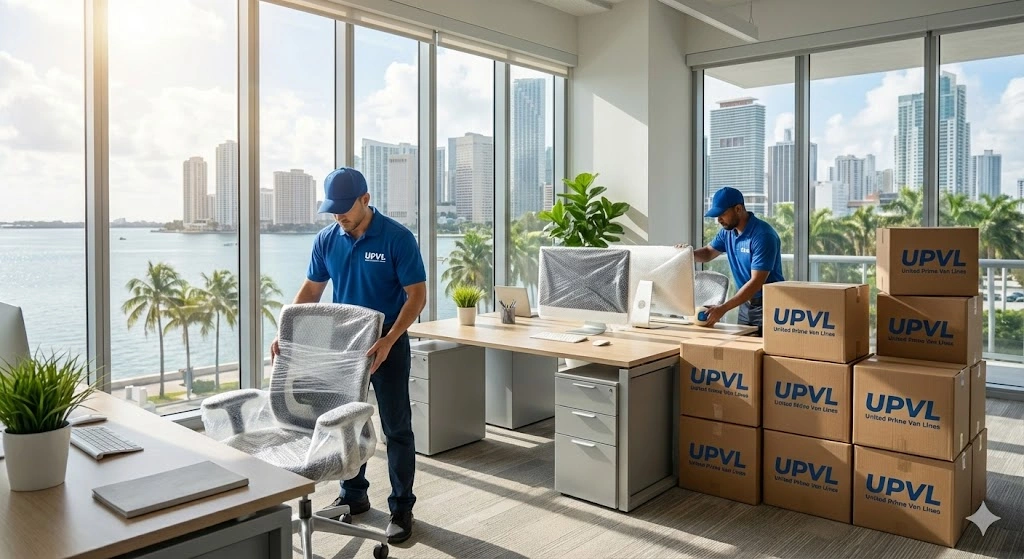
Relocating a business in Miami can feel a bit like changing planes mid‑flight without landing first. You’ve got customers to serve, staff to organize, and leases to juggle—and somehow you need to get desks, servers, and inventory from Point A to Point B without the operation grinding to a halt.
I’ve helped a lot of Miami businesses move, and the same question always comes up first:
“How do we move without losing days of work and revenue?”
In this guide, I’ll walk you through how I approach business moving in Miami with minimal downtime. I’ll talk about what usually goes wrong, how to avoid the big time‑wasters, and where a professional crew like ours at United Prime Van Lines can quietly make your life much easier.
I see it all the time when a business calls me after things have gone sideways:
Miami adds extra pressure:
If you want minimal downtime, the core idea is simple: Separate “move days” from “business days” as much as possible.
Every business has a different threshold. Before we talk trucks and boxes, I ask:
Example: A small law firm might say, "Phones and email can’t go down, but in-person meetings can pause." Once you define this, we reverse‑engineer your move around your must‑stay‑online operations.
A timeline protects you from traffic patterns and building rules.
4–6 Weeks Out
2–3 Weeks Out
Move Weekend (or After-Hours)
When I handle a move through United Prime Van Lines – Office & Commercial Moving, this is the blueprint we follow.
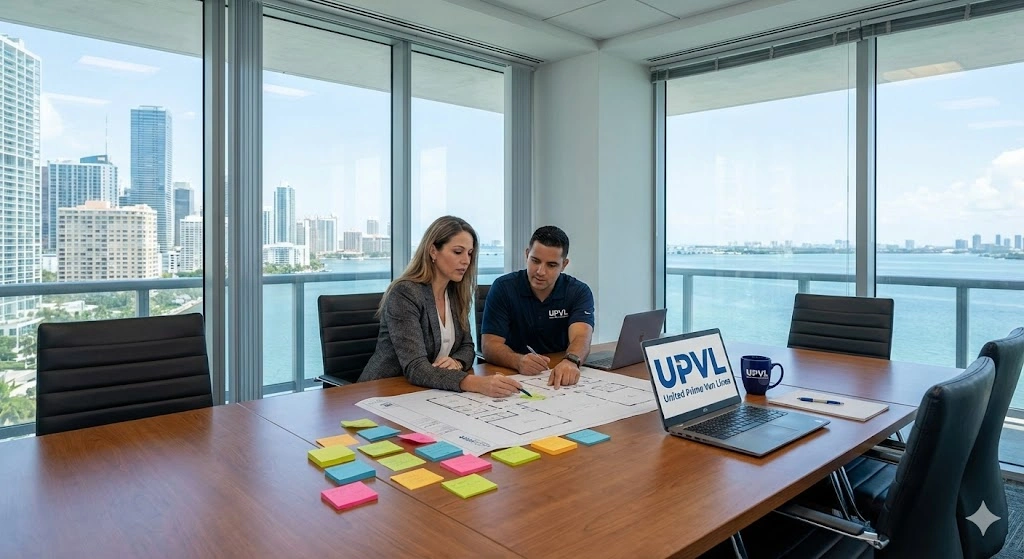
The move date isn’t just "whenever the lease starts." It’s a strategic choice.
A move loses a full day of productivity when the freight elevator is “unavailable” or security blocks the movers because they don't have a COI.
The Fix: We handle the COI paperwork and coordinate dock times directly with building management so your movers show up and start working immediately.
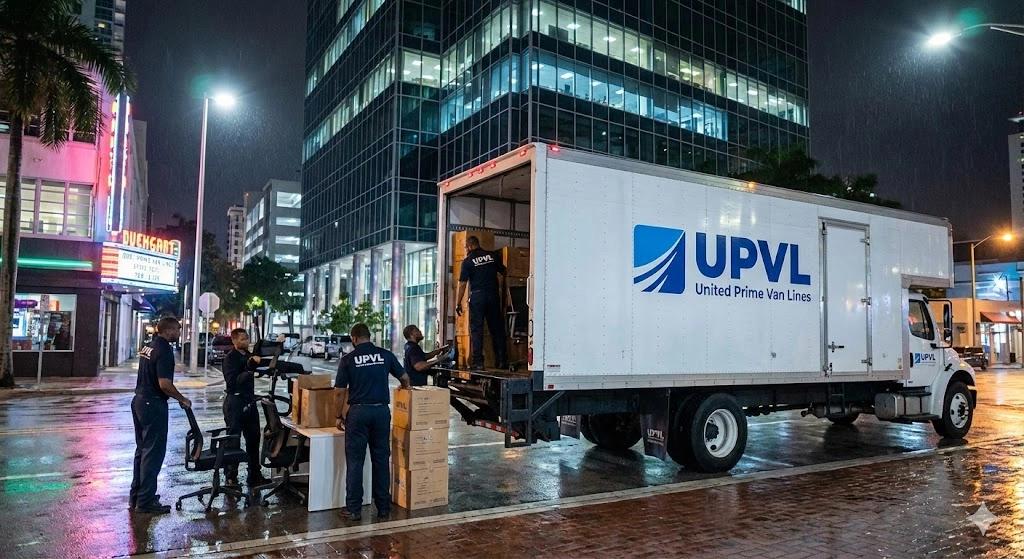
Your real “downtime” isn’t when the desks are on the truck—it’s when your phones aren’t ringing.
Don’t pack just to transport. Pack so you can start working fast.
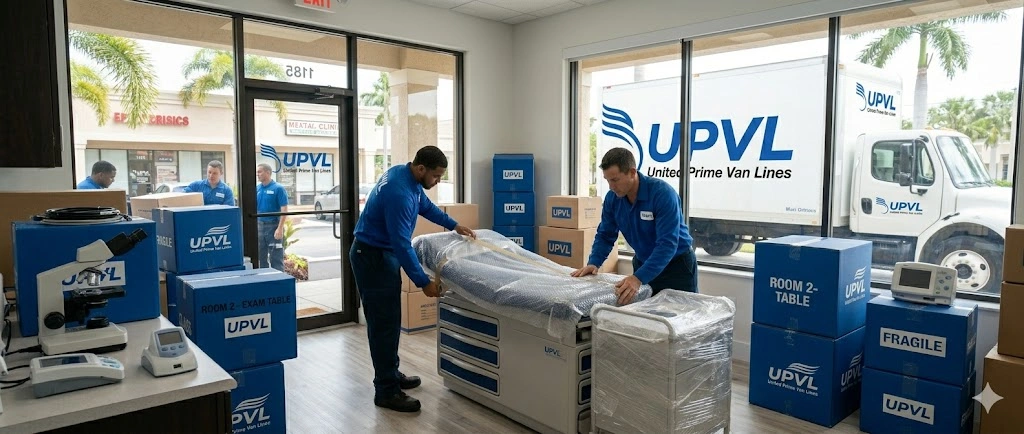
If you’d rather not have your staff packing, we offer full‑service packing so you can focus on running your business.
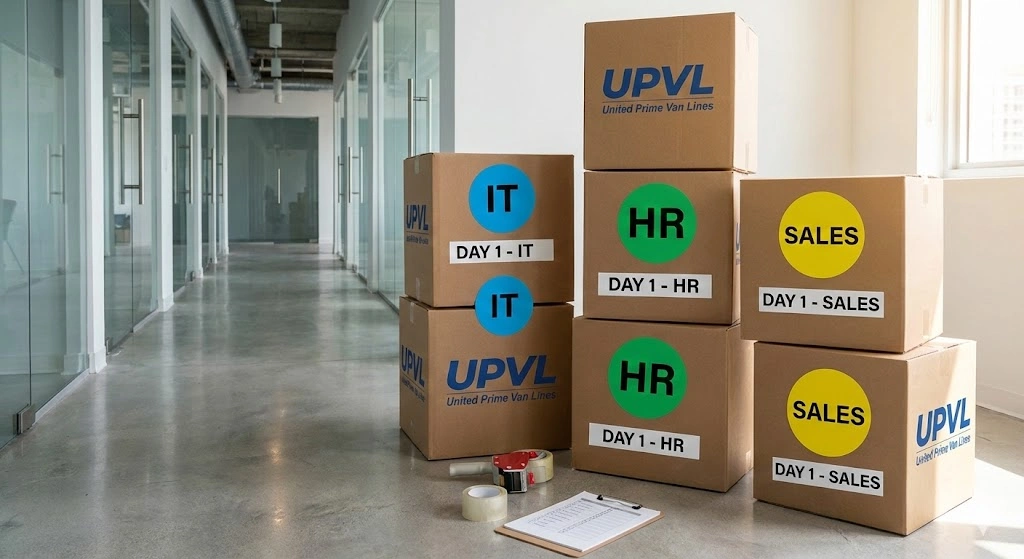
A business move involves sensitive client files, hard drives, and specialized equipment. Decide early: What do movers handle, and what do you transport personally?
For delicate items like artwork or high‑value pieces, we apply our experience from art & antique moving to keep everything safe and insured.
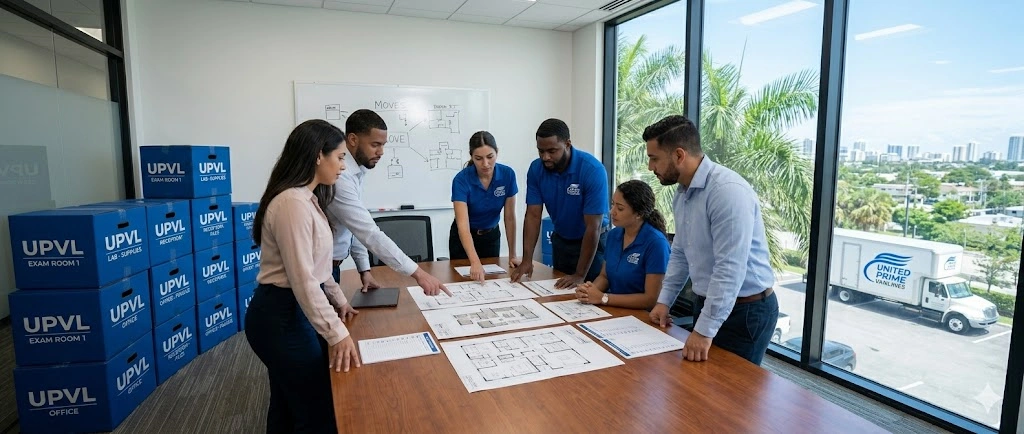
Don’t wait until move day to decide where things go.
Things happen. A thunderstorm hits, or internet installation is delayed.
With the right approach, a move looks like this: You finish a normal workday at your old space, we move through the weekend, and your team shows up at the new location ready to work.
If you’d like help mapping this out, we are happy to walk through a realistic plan with you. At United Prime Van Lines, this is exactly what we do: quietly move businesses while they keep doing business.