Office relocations come with pressure — not just because you're moving equipment and furniture, but because every hour of downtime has a real cost. Employees need direction, clients expect consistency and leadership needs the transition to feel smooth, not chaotic.
The good news? An office move can run like a well-managed project when you approach it with clarity, patience and the right structure. The goal isn’t speed — it’s continuity.
Before you create timelines or packing lists, define what “minimal downtime” truly looks like for your business.
Do you need your team working the same day? Can you shift certain tasks remotely for 48 hours? Which departments absolutely cannot pause?
This conversation removes assumptions.
Once everyone knows the expectations, you can plan the move around your actual operational needs — not a vague idea of “quick.”
Office moves fall apart when one person tries to manage everything.
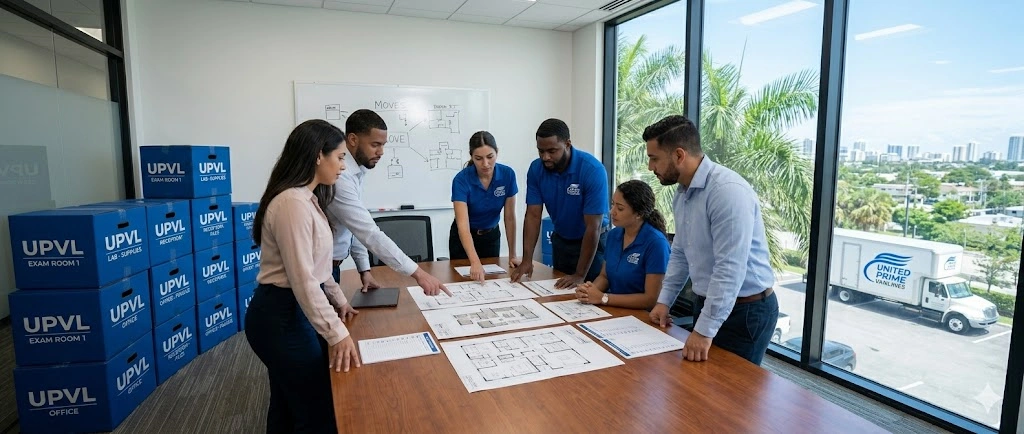
Instead, choose a small group of employees who represent different parts of the company — IT, operations, HR, admin, and management.
They become decision-makers, troubleshooters and the central communication point for employees.
When questions arise (“Where do we pack monitors?” “How will Wi-Fi work day one?”), your relocation team provides clear, unified answers.

Minimal downtime depends heavily on how organized the new office is before you even arrive.
Walk through the new space and determine:
A physical or digital map saves hours of confusion on moving day.
People won’t wander around asking, “Where am I supposed to be?” — they’ll know exactly where to plug in and get back to work.
If one team determines whether your office can work or not, it’s IT.
Put them at the center of planning and give them the time they need to prepare.
They handle:
A move isn't a move — it’s an IT reconstruction.
When IT is calm and prepared, the whole company is calm and prepared.

Packing doesn’t need to shut down productivity.
Let employees pack personal items early, while operational items stay in use as long as possible.
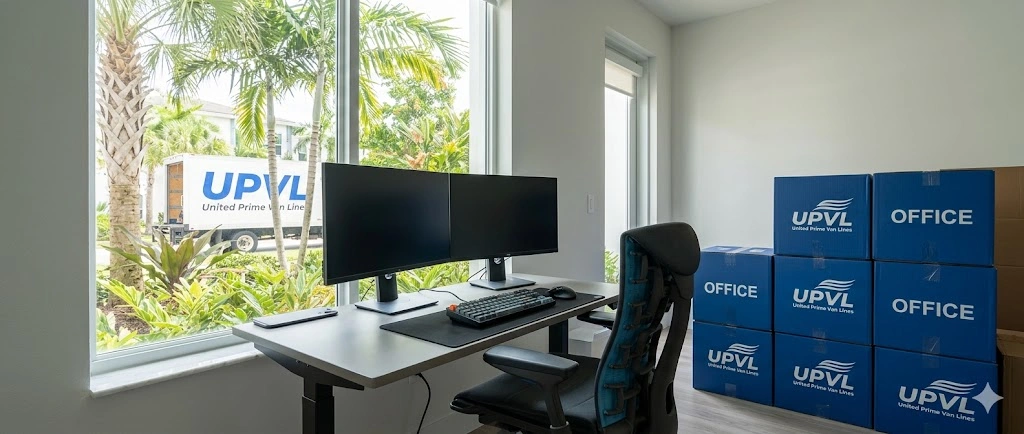
Provide labeled crates or boxes for each department to keep tracking simple.
Encourage teams to pack gradually — not all at once — so daily work remains uninterrupted.
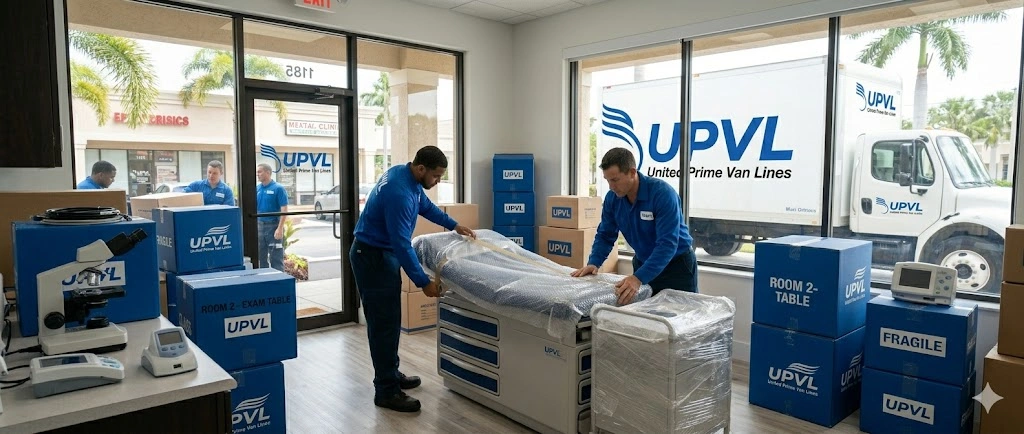
Movers should handle large furniture, conference rooms, electronics and anything heavy or delicate.
This prevents employee injury and keeps the move professional and efficient.
One of the biggest downtime-savers is choosing the right time for the move itself.
Consider:
The best move feels almost invisible.
Employees finish work in one office and return the next morning to a new space that’s already set up.

Imagine this scenario:
Your team walks into the new office and sees half-assembled desks, boxes everywhere, and tangled cables. Productivity? Gone.
Instead, aim for this:
Employees should walk in, sit down and feel ready to start the day — not fight their way through cardboard.

Office relocations are not something you want to “wing.”
A professional moving crew reduces downtime dramatically because they know how to:
United Prime Van Lines can structure the move around your work schedule, help coordinate IT transitions, and ensure the new office is ready for your team to get back online quickly.
Minimal downtime is really about communication.
Let employees know:
When people have clarity, they remain confident — even during change.