Moving into a new workspace is more than unloading boxes and plugging in computers. It's a shift in routines, energy, workflow and expectations — and the smoother the setup, the faster your team feels grounded again.
A good transition balances logistics, technology and people. When those three pieces line up, your new office stops feeling “new” and starts feeling like home much sooner than expected.
The most stressful part of moving into a new workspace is often the disorganization that follows. Boxes everywhere, furniture half-assembled, unsure seating… it slows productivity and frustrates everyone.
Smooth logistics prevent that from happening.
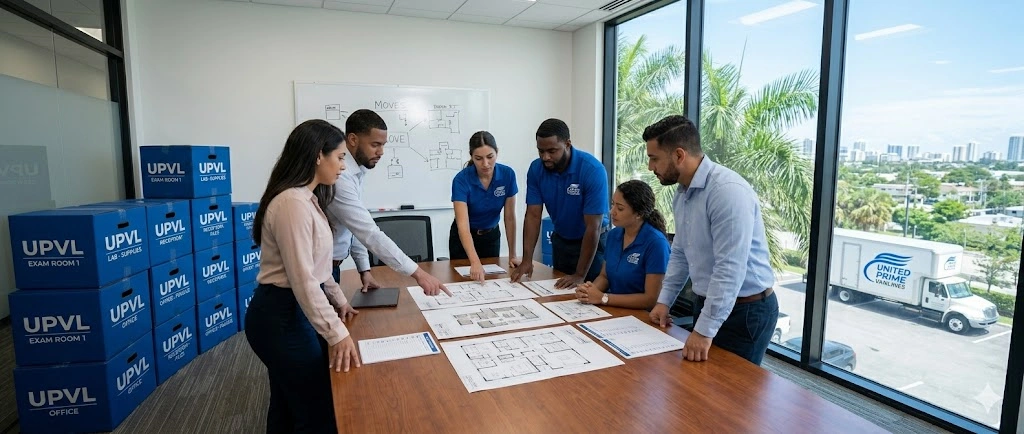
Before movers arrive, map out where each department sits, how teams collaborate and which areas need quiet vs active zones.
A thoughtful layout reduces friction right from the start.
Reception, shared workstations, restrooms, break rooms and conference spaces should be functional before smaller sections.
This creates a sense of order even while unpacking continues.
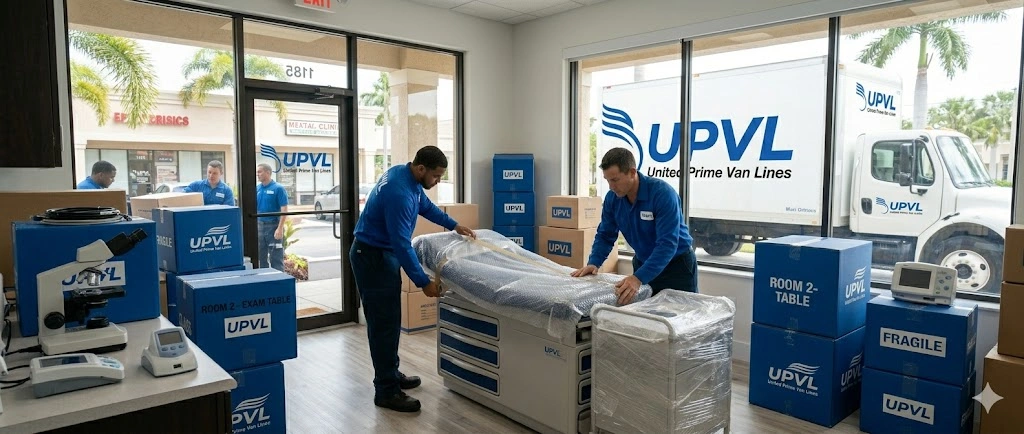
Color-coded labels or clear names help movers place items exactly where they belong, minimizing rework later.
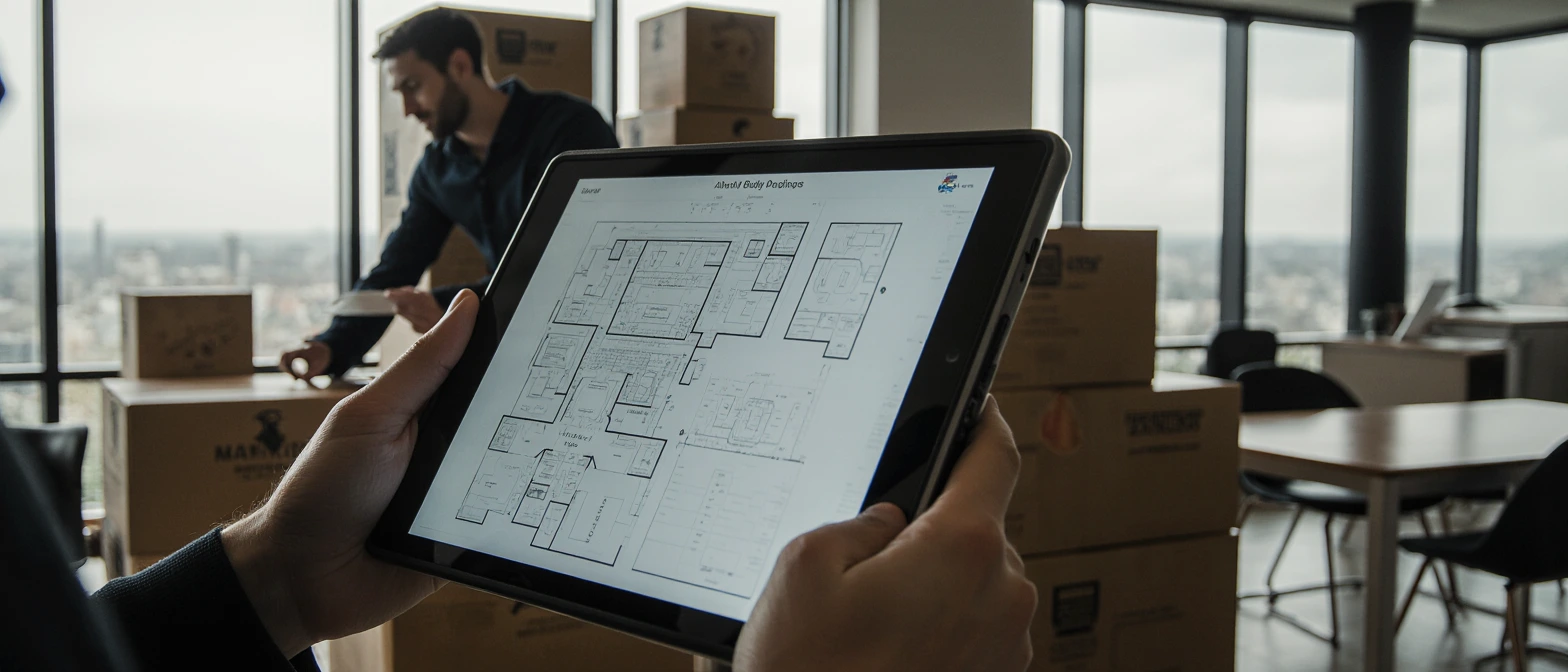
When employees walk into a new workspace, the first thing they need is technology — power, Wi-Fi, access, equipment and systems that work from the first minute.
That means IT must prepare before anyone arrives.
Cabling, server racks, internet lines and router placements should be completed before furniture moves in.
This keeps setup clean and prevents unnecessary delays.
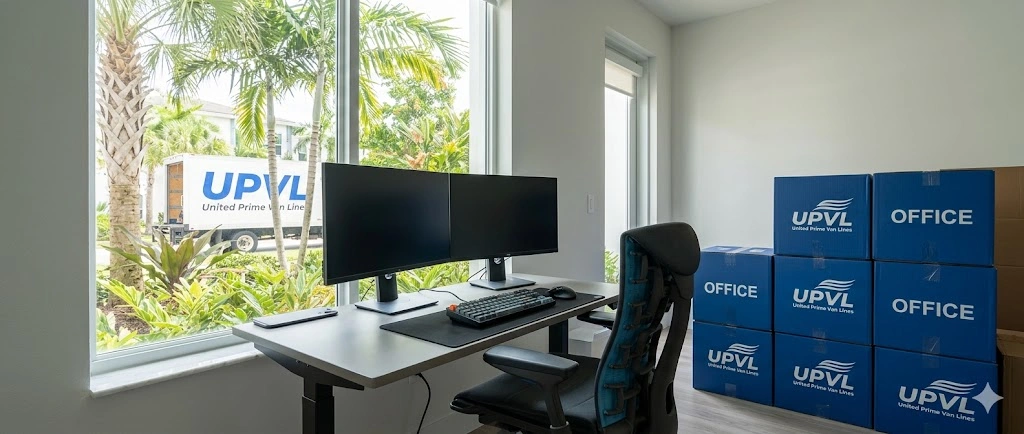
Workstations should be labeled by employee or department so monitors, docks and cables go exactly where they belong.
If Wi-Fi, shared drives, printers, security access or phones malfunction on day one, productivity collapses.
Testing everything ahead of time saves hours — sometimes days — of frustration.

No matter how organized the setup is, people still need time to adjust.
A move changes their routines, their surroundings and often their workflow.
Supporting them during the transition is just as important as setting up desks and cables.
Show them where everything is: meeting rooms, break areas, emergency exits, storage, printers.
A casual walkthrough prevents confusion during the first workdays.
Daily habits won’t click overnight.
Encourage the team to explore the space, find comfortable work areas and adjust without pressure.
Employees will quickly notice what works and what doesn’t — lighting, seating, noise levels, equipment placement.
Small adjustments can dramatically improve comfort and productivity.

The instinct is often to unpack everything quickly — but intentional unpacking saves effort later.
IT equipment, documents, office supplies and department essentials come first.
Decor, storage fillers and less urgent materials can wait.
A cluttered office affects morale.
Creating open, breathable spaces early makes everyone feel more at ease.
Teams often have preferences for workflow — giving them autonomy builds ownership over the new space.
Setting up a new workspace is too important to leave to guesswork.
Professional movers, especially those experienced in commercial relocations, know how to handle heavy furniture, IT equipment, layout instructions and timeline-sensitive setups.
United Prime Van Lines can handle:
When logistics and IT are handled professionally, you can focus on what matters — helping your team feel comfortable and confident in their new environment.