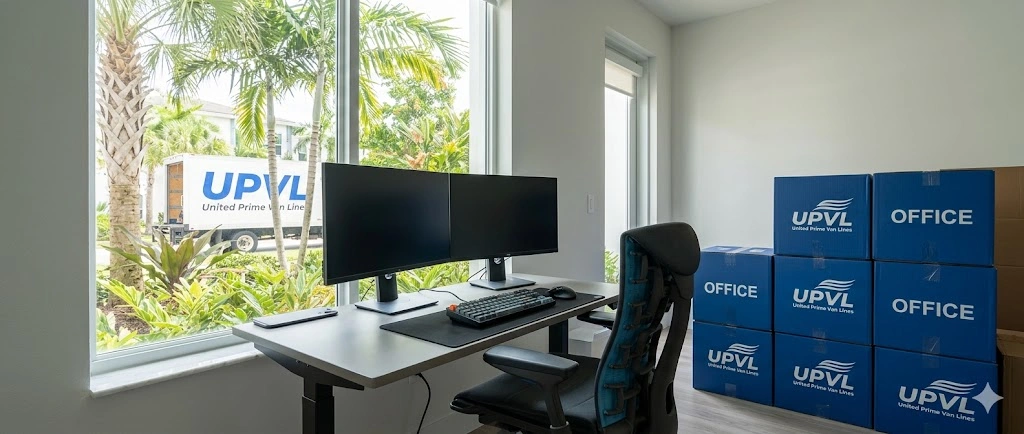
A business relocation is one of those projects that feels simple at first — until you realize how many moving parts depend on each other. Operations, employees, IT systems, equipment, clients, schedules… everything has to stay balanced while the entire workplace shifts to a new address.
A checklist isn't just paperwork. It’s the structure that keeps your transition steady, calm and predictable. The clearer your steps, the less disruption your team will feel — and the faster your business settles into its new space.
Before any box touches the floor, you need clarity on timelines, expectations and responsibilities.
Determine when you must be fully operational in the new space. Everything else gets planned backward from that date.
Choose representatives from IT, HR, operations and management who can make decisions quickly and communicate consistently.
This prevents confusion and keeps the plan moving forward.
A calm, confident announcement sets the tone. Share the timeline, what employees should expect, and how you’ll support them through the transition.
Your new space should feel ready before the first item arrives.
Discuss seating arrangements, equipment placement, power needs, meeting rooms, collaboration areas, and workflow paths.
A simple digital map helps movers, employees and IT know exactly where everything should go — and keeps the setup phase smooth.

IT is the backbone of your business move.
If technology isn’t ready, your business isn’t ready.
Servers, routers, switches, phone systems, printers, workstations — everything should be:
Your IT team should have access to the new office early to ensure the network is functioning before moving day.

Packing is often where business moves fall apart.
A scattered approach causes lost items, confusion and delays.
Marketing = blue
Accounting = green
Operations = red
IT = yellow
etc.
This saves hours of sorting in the new space.
The earlier this step is done, the smoother the final days will be.
Furniture, electronics and specialized equipment should be moved by experts to avoid damage and downtime.
When is the best time to move?
When your business is least active.
Evenings, weekends, holidays or slow periods reduce operational interruptions and keep your clients happy.

Moving day should feel organized, not chaotic.
They guide movers, answer questions, and keep everyone aligned.
This saves unnecessary shifting later.
Once these are active, your business is halfway home.
The first 24–48 hours matter more than most teams realize.
HR, operations and IT should be operational immediately.
This supports the rest of your employees as they settle in.
Explain meeting room rules, access badges, parking instructions and any layout changes from the previous space.
Small adjustments in the first week can dramatically improve productivity.

Commercial relocations are not the same as residential moves.
You need a team that knows how to minimize disruption, coordinate with IT, and follow precise layout instructions.
United Prime Van Lines can help you:
The right moving team makes your checklist easier — and your transition smoother.